Intraoral scanner compatibility and how to send a case
Send the scan. We take it from there.
Check your scanner, pick how you want to send, and your case reaches us in a few minutes. Digital cases come back fastest, and traditional impressions are welcome too.
We confirm your scanner before your first case goes out.
Scanners we accept
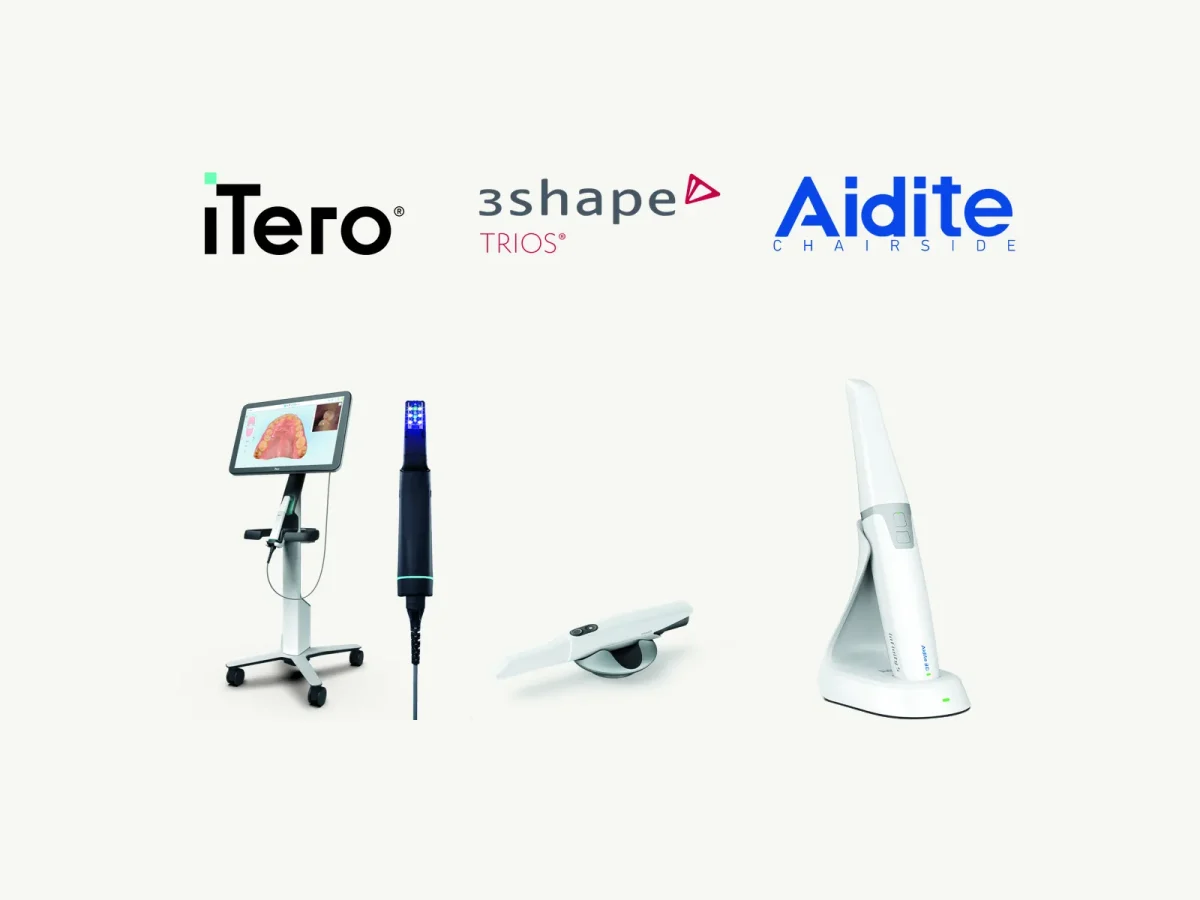
We work with every intraoral scanner, including these.
- 3Shape TRIOS
- iTero
- Dentsply Sirona Primescan
- Straumann SIRIOS
- Medit
- Shining 3D
- Aidite
- Planmeca Emerald
Do not see yours? If it exports an STL, we can work with it. Call (405) 217-2282 before your first case and we will confirm.
STL files and native formats
Send an STL file from any scanner, or the native file where your scanner connects to us directly.
What to include
- Both arches and the bite
- Clear margins on every prep
- For implant cases, a scan with the scan body seated
- The Rx, on the lab script or our PDF form
How to send a case to a dental lab, step by step
- 1ScanBoth arches and the bite. For implants, scan with the scan body in place.
- 2Fill out the RxUse the lab script or download the Rx form.
- 3Send itStraight from your scanner’s connection to us, or upload it in the portal.
- 4We design, print and millIf anything on the file or Rx is unclear, we call you before we cut.
- 5Seat it in daysMost cases ship back in five to ten days.
Digital case submission through the portal
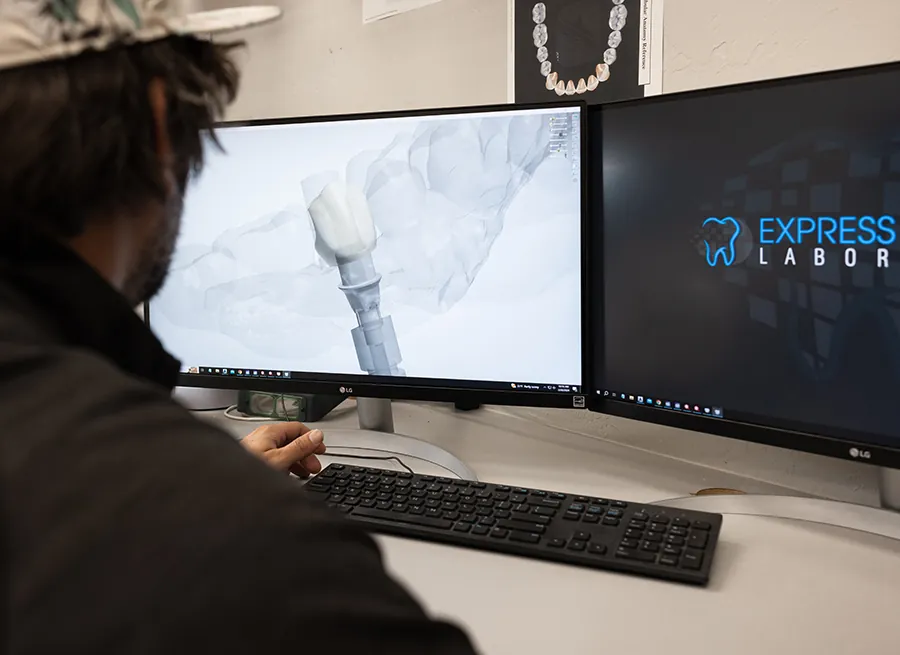
Clients can upload scans and the Rx in the portal at any hour, and the case is waiting for us when the lab opens. The portal is also where you track case status in real time, communicate with the lab, view invoices, make payments and manage digital workflows.
Digital first, impressions welcome
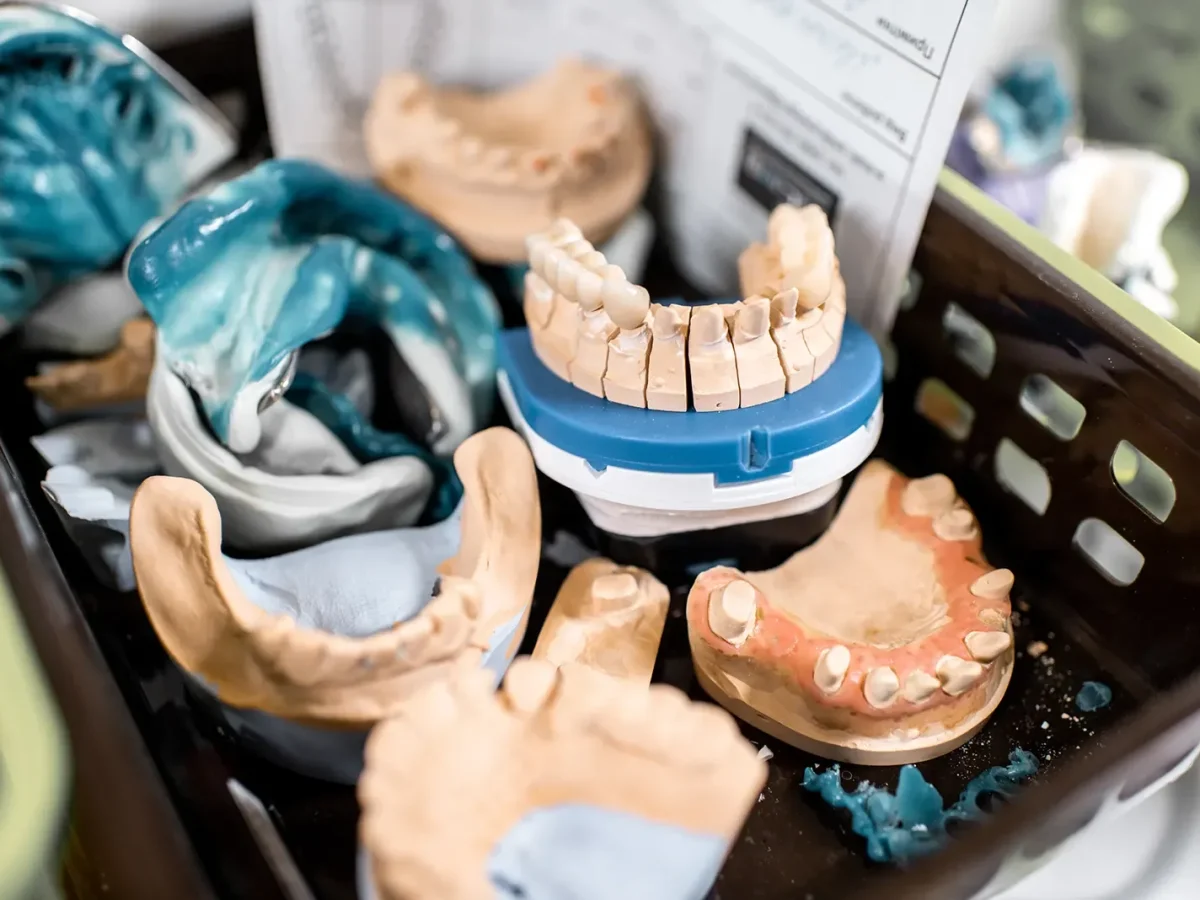
A case that starts as a scan comes back fastest, and traditional impressions and models are welcome too. Not scanning yet? Call us, or ask about the Scanner Lease Program.
Send it today. Seat it in days.
Get started and we set up your account and give you a direct line to the team.
One short form. The team takes it from there.
Or call (405) 217-2282, Monday to Friday, 7:30 am to 5:30 pm.
Sending a case: common questions
Do you accept files from my intraoral scanner?
Yes. We work with every intraoral scanner: the ones in the grid above, and any other that exports an STL. Some scanners also send native files straight to us. Still unsure? Call (405) 217-2282 before your first case and we will confirm it.
What file should I send to a dental lab?
An STL of both arches and the bite, or your scanner’s native file if it connects to us directly. Add the Rx, from your scanner software or our PDF. Placing implants? Send a scan with the scan body seated, so the design starts from the true implant position. That is the whole list for sending a case to a dental lab.
How do I send my first case?
Get started so we can open your account. Then send the case straight from your scanner, or upload the scan and Rx in the portal at portal.specialtyprosthetics.com. Your first case runs like every case after it: five to ten days for most, counted from a complete scan and Rx.
Can I send an impression instead?
Yes. We love digital cases, but we realize there is a need for traditional impressions on some occasions. We would love for every case to start as a scan, because starting a case digitally gets it back to the clinic sooner. Not scanning yet? Call (405) 217-2282 and we will talk through what makes sense for your practice.